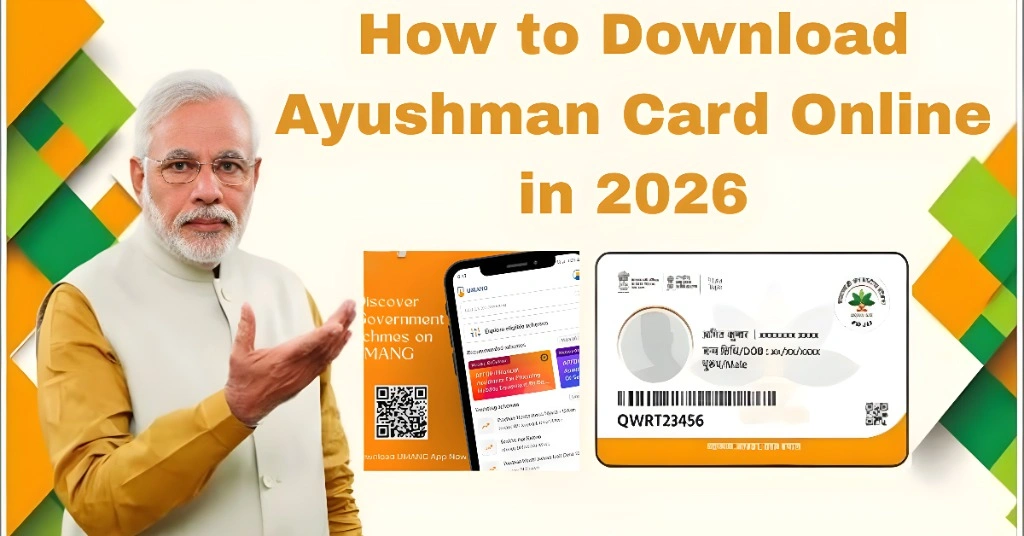
How to Download Ayushman Card Online in 2026
If you want free or cashless treatment under the Ayushman Bharat scheme, you need an Ayushman Card. In 2026, you can easily download it online using your mobile phone or computer without visiting any office.
This guide explains the full process in a simple and clear way so anyone can follow it.
What is Ayushman Card
The Ayushman Card is part of the Ayushman Bharat Pradhan Mantri Jan Arogya Yojana. It provides eligible families with free healthcare treatment in government and selected private hospitals.
It includes benefits such as free treatment up to five lakh rupees per year, cashless hospital services, and financial protection during medical emergencies.
Who Can Get Ayushman Card
You may be eligible if your name is included in the PMJAY beneficiary list. Eligibility is usually based on income level, ration card data, or SECC records. Senior citizens may also qualify under updated government policies.
Benefits of Ayushman Card
The Ayushman Card offers several important benefits for eligible families.
It provides free medical treatment up to five lakh rupees per year. It reduces the financial burden of expensive hospital bills. It allows cashless treatment in empaneled hospitals. It covers major surgeries and emergency care. It also helps families get timely medical attention without worrying about upfront payments.
You Can Also Read: Complete Guide to Apply Ayushman Card ( Application 2026)
Eligibility Check Process
Before downloading the card, it is important to confirm eligibility.
You can check eligibility by entering your Aadhaar number or mobile number in the official system. The system will show whether your name is included in the beneficiary list. If your name appears, you are eligible to download the Ayushman Card.
Ayushman Card Online 2026 Quick Overview
| Step | Process | What You Need | Result |
|---|---|---|---|
| 1 | Check Eligibility | Aadhaar number or mobile number | Confirms if you can get the card |
| 2 | Login to Portal or App | Mobile number + OTP | Access your account |
| 3 | Verify Details | Aadhaar and family information | System confirms your identity |
| 4 | Complete e-KYC (if needed) | Aadhaar OTP or biometric | Final verification step |
| 5 | Download Card | Verified account | Ayushman Card PDF saved on device |
| 6 | Use in Hospital | Ayushman Card + Aadhaar | Cashless treatment activated |
How to Download Ayushman Card Online in 2026
You can download your Ayushman Card using three main methods.
Open the official PMJAY portal in your browser. Click on the option that allows you to check eligibility. Enter your mobile number or Aadhaar number and verify it using OTP. After verification, search for your name in the beneficiary list. If your name appears, you can download your Ayushman Card and save it as a PDF on your device.
Install the Ayushman mobile application from your app store. Open the app and log in using your mobile number and OTP. Search your details using Aadhaar number or family ID. If required, complete e KYC verification. Once verified, you will see the option to download your Ayushman Card. Save the file to your phone for future use.
Install the UMANG app and open it on your phone. Search for Ayushman Bharat services inside the app. Log in using your mobile number and verify with OTP. Enter your Aadhaar details to continue. After verification, you can download your Ayushman Card in PDF format.
Documents Required
You may need Aadhaar card, mobile number linked with Aadhaar, ration card if applicable, and family ID or PMJAY ID depending on your eligibility.
Common Problems and Solutions
If your name does not appear in the list, check your eligibility again on the official system. If you do not receive OTP, ensure your mobile number is linked with Aadhaar. If the download option is not working, try using a different browser or switch to the mobile app.
How to Use Ayushman Card in Hospitals
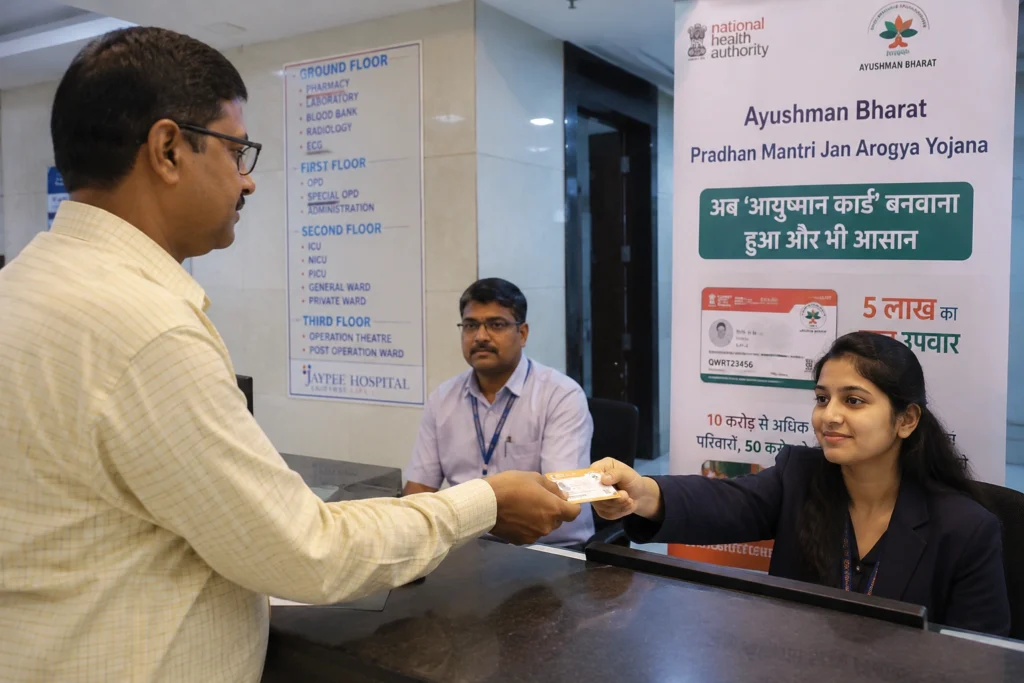
Once you download your Ayushman Card, you can use it at empaneled hospitals.
At the hospital, show your Ayushman Card and Aadhaar card. The hospital will verify your details in the system. After verification, you can get cashless treatment under the scheme. The hospital will directly claim the approved amount from the government system.
Common Mistakes to Avoid
Many people face issues due to small mistakes during the process.
Do not use an unregistered mobile number for OTP verification. Do not enter incorrect Aadhaar details. Always check eligibility before trying to download the card. Avoid unofficial websites or apps because they can cause errors or fraud risks.
Why Ayushman Card is Important
The Ayushman Card helps families reduce medical expenses by providing free treatment in approved hospitals. It supports cashless hospital services, emergency care, and financial protection during serious health conditions. It is especially useful for families with limited income.
FAQs
Conclusion
Downloading an Ayushman Card in 2026 is a simple process if you follow the correct steps. You only need to verify your details through official systems and complete a quick download.