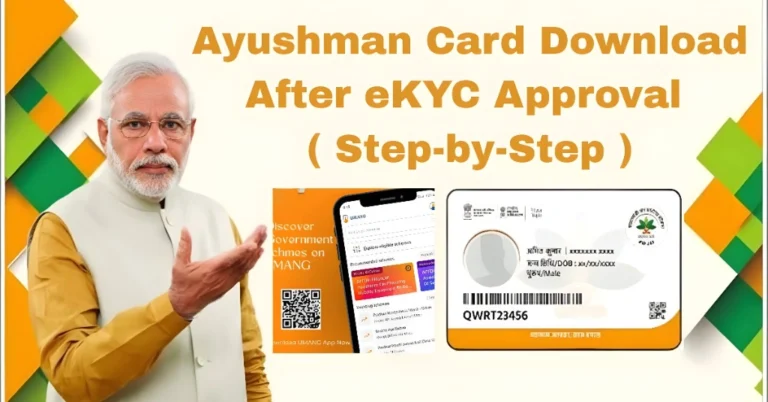
Ayushman Card Download Step-by-Step Guide ( update in 2026 )
If you want free or cashless hospital treatment in India, the Ayushman Card is very important. It is part of the government health scheme that helps eligible families get treatment without worrying about high medical bills.
In 2026, downloading your Ayushman Card is very easy. You can do it online using your mobile phone in just a few minutes.
This guide will show you the simple step-by-step process in an easy way.
What is Ayushman Card
The Ayushman Card is issued under the Ayushman Bharat Pradhan Mantri Jan Arogya Yojana (PMJAY). It helps eligible families get free treatment in government and selected private hospitals.
With this card, you can get cashless treatment for many serious illnesses and surgeries.
Who Can Get Ayushman Card
You may be eligible if:
Your name is in the PMJAY beneficiary list
You belong to a low-income family category
Your details are available in SECC or government records
Some senior citizens may also qualify under updated rules
If you are not sure, you can check eligibility online using your Aadhaar number.
Ayushman Card Download Step-by-Step 2026
Here is the simple process you can follow:
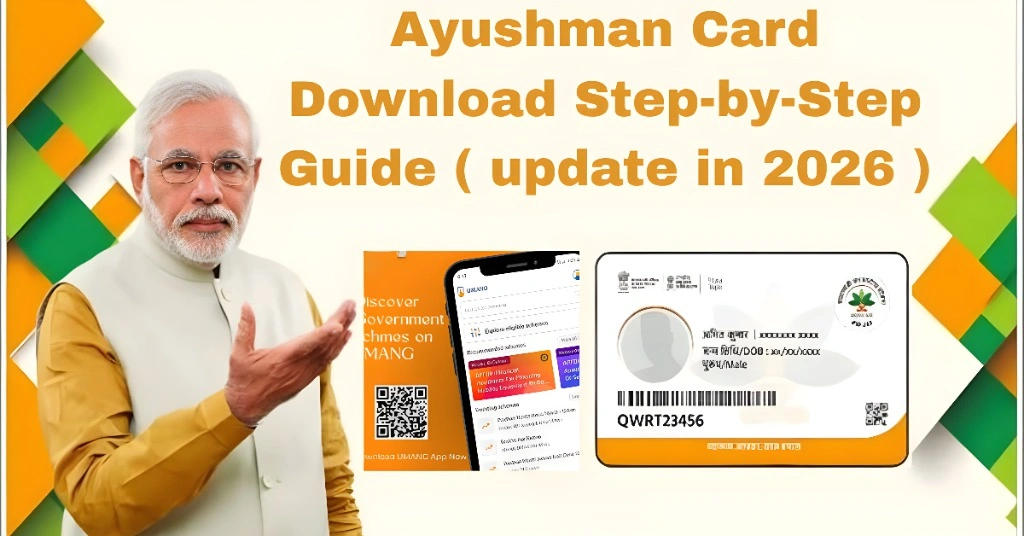
First, confirm your eligibility using your Aadhaar number or mobile number. If your name appears in the list, you can continue.
Use your registered mobile number and verify it with OTP to log in.
Enter your Aadhaar number or family ID to find your record in the system.
If required, complete e-KYC verification using OTP or biometric verification.
Once verified, you will see the option to download your Ayushman Card in PDF format.
Save the card on your phone and print a copy if needed for hospital use.
Quick Overview Table
| Step | Action | Requirement | Result |
|---|---|---|---|
| 1 | Check eligibility | Aadhaar or mobile number | Confirms eligibility |
| 2 | Login system | Mobile + OTP | Access account |
| 3 | Find record | Aadhaar or family ID | Show beneficiary details |
| 4 | e-KYC | OTP or biometric | Identity verification |
| 5 | Download card | Verified account | Ayushman Card PDF |
| 6 | Use in hospital | Card + Aadhaar | Cashless treatment |
Benefits of Ayushman Card
The Ayushman Card gives many helpful benefits:
Common Problems and Simple Fixes
If you face issues, here are easy solutions:
If your name is not showing, check eligibility again
If OTP is not received, make sure your mobile is linked with Aadhaar
If download fails, try another browser or mobile app
Always use correct Aadhaar details to avoid errors
You Can Also Read: How to Download Ayushman Card Online in 2026
How to Use Ayushman Card in Hospital
When you go to a hospital:
FAQs
Conclusion
Downloading an Ayushman Card in 2026 is very simple if you follow the correct steps. Just check your eligibility, complete verification, and download your card online.
If you are eligible, don’t ignore it. This card can protect your family from high hospital expenses and give you peace of mind during medical emergencies.