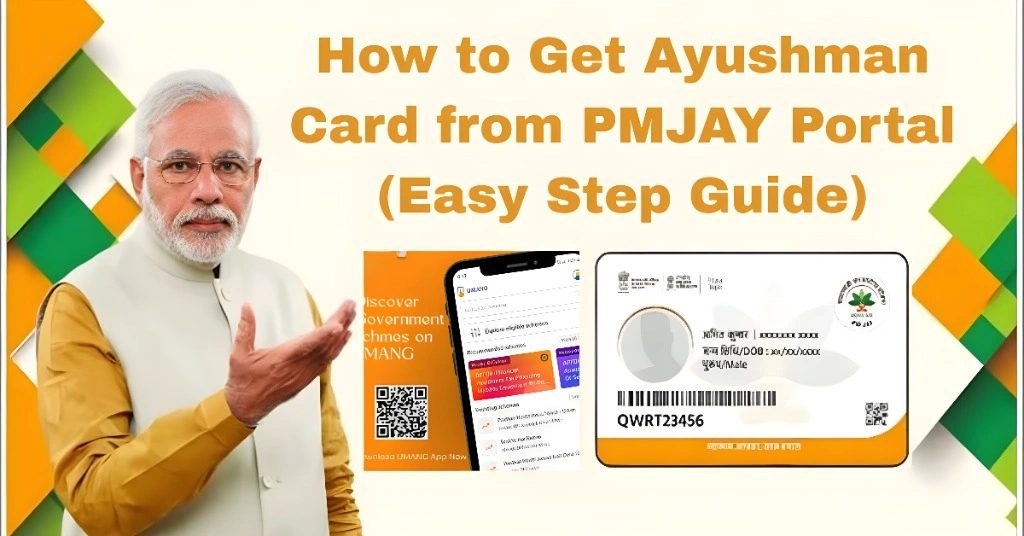
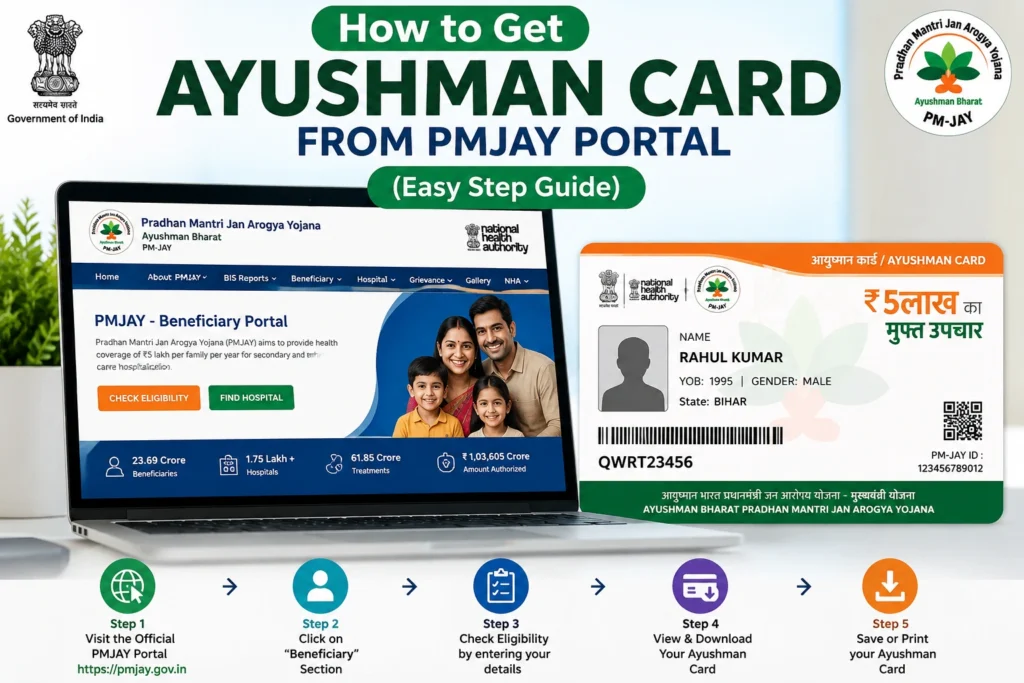
How to Get Ayushman Card from PMJAY Portal (Easy Step Guide)
If you want to get your Ayushman card online, the PMJAY portal is the official place to do it. The process is simple, but many people get confused because of e-KYC, OTP, or eligibility checks.
In this guide, I will explain everything in very simple words so you can easily get your Ayushman card from the PMJAY portal without confusion.
What Is PMJAY Portal?
PMJAY (Pradhan Mantri Jan Arogya Yojana) portal is an official government website where you can:
Check your eligibility
Complete e-KYC verification
Download your Ayushman card
View family member details
Who Can Get Ayushman Card?
You can get an Ayushman card if:
Your name is in SECC 2011 list
You are eligible under PMJAY scheme
Your family is registered in the system
You complete Aadhaar verification
FARequired Documents for PMJAY e-KYCQs
Before starting the process, make sure you have these documents ready. This helps avoid errors during verification.
| Document | Purpose | Requirement |
|---|---|---|
| Aadhaar Card | Identity verification | Mandatory |
| Mobile Number (linked with Aadhaar) | OTP verification | Mandatory |
| Family ID / Ration Card | Family record check | Optional (in some states) |
| SECC Details | Eligibility check | Auto system-based |
| Fingerprint / Biometric | e-KYC verification | Required at CSC center (if needed) |
You Can Also Read: Ayushman Card Download on Mobile App Guide 2026 Simple Steps
Benefits of Getting Ayushman Card Online
Getting your Ayushman card through the PMJAY portal has many advantages:
Step by Step Process on PMJAY Portal
| Step | Action | What Happens |
|---|---|---|
| 1 | Open PMJAY portal | Website loads on mobile or PC |
| 2 | Login with mobile number | OTP verification starts |
| 3 | Enter Aadhaar or Family ID | Your record is searched |
| 4 | Check eligibility | System shows approved or not |
| 5 | Complete e-KYC | Identity verification completes |
| 6 | Download card | PDF card is generated and saved |
How to Check Ayushman Card Status Online
After applying, you can easily track your application status through the PMJAY portal.
This helps you avoid confusion and know exactly when your card is available.
Common Problems While Using PMJAY Portal
You may not be in the eligible list or data is not updated.
Usually caused by wrong mobile number or network issues.
Aadhaar mismatch or fingerprint issue can stop verification.
System delay or card still generating in backend.
Important Tips for Smooth Process
Easy Fixes
Wait 24 to 72 hours after approval
Check Aadhaar-linked mobile number
Clear browser cache
Try another device or browser
Visit CSC center if needed
FAQs
Conclusion
Getting an Ayushman card from the PMJAY portal is simple when your details are correct and e-KYC is completed. Most problems happen due to small errors or system delay.
If it does not work, wait a little and try again. If the issue continues, CSC center can help you fix it quickly.