Download Ayushman App Latest Version in 2026
Meta Title: Ayushman App Download 2026: Card, ABHA & Eligibility
Meta Description: Download Ayushman App 2026 to check PM-JAY eligibility, get Ayushman Card, create ABHA, find hospitals, and fix common app issues.
Ayushman App Download 2026: Quick Overview
The Ayushman App is an official government mobile app that helps PM-JAY beneficiaries access Ayushman Bharat services from their phone. Through this app, users can check eligibility, create or download their Ayushman Card, complete eKYC, and find nearby empanelled hospitals.
Ayushman Bharat PM-JAY provides cashless health coverage of up to ₹5 lakh per eligible family per year for secondary and tertiary hospitalization.
What Is the Ayushman App?
The Ayushman App is designed for people who want to use Ayushman Bharat PM-JAY services without visiting a CSC center or hospital desk again and again. It helps beneficiaries manage important health scheme services from one place.
According to the official Google Play listing, the Ayushman App is an official Government of India app connected with PM-JAY and the National Health Authority.
Ayushman App Main Details
| Feature | Details |
| App Name | Ayushman App |
| Scheme | Ayushman Bharat PM-JAY |
| Main Use | Ayushman Card, eligibility check, hospital search |
| Cost | Free |
| Official Authority | National Health Authority |
| Health Cover | Up to ₹5 lakh per eligible family per year |
| Best For | PM-JAY beneficiaries and eligible families |
| Safe Download | Google Play Store / official source |
How to Download Ayushman App on Android
To download the Ayushman App safely, open the Google Play Store and search for Ayushman App. Make sure the app is published by the official authority before installing it.
Avoid downloading random APK files from unknown websites because the app may require personal details for login and eKYC. The official Play Store listing shows the Ayushman App can be used to make an Ayushman Card for beneficiaries.
Is Ayushman App Available for iPhone?
Yes, the Ayushman App is listed on the Apple App Store under the National Health Authority developer account. iPhone users should use the official App Store instead of unsafe third-party APK links.
You can also read: Difference between Ayushman card and ABHAA Card 2026?
How to Register or Login
Open the app and choose the login or beneficiary option. Enter your mobile number and verify it through OTP. If the app asks for Aadhaar eKYC, complete the verification carefully.
After login, you can search beneficiary details, check eligibility, and download the Ayushman Card if your family is eligible.
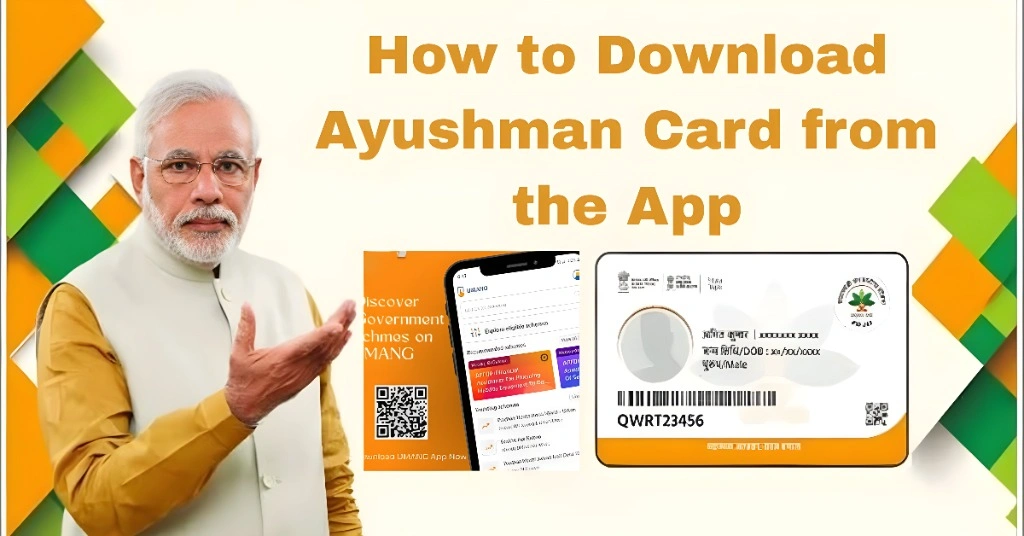
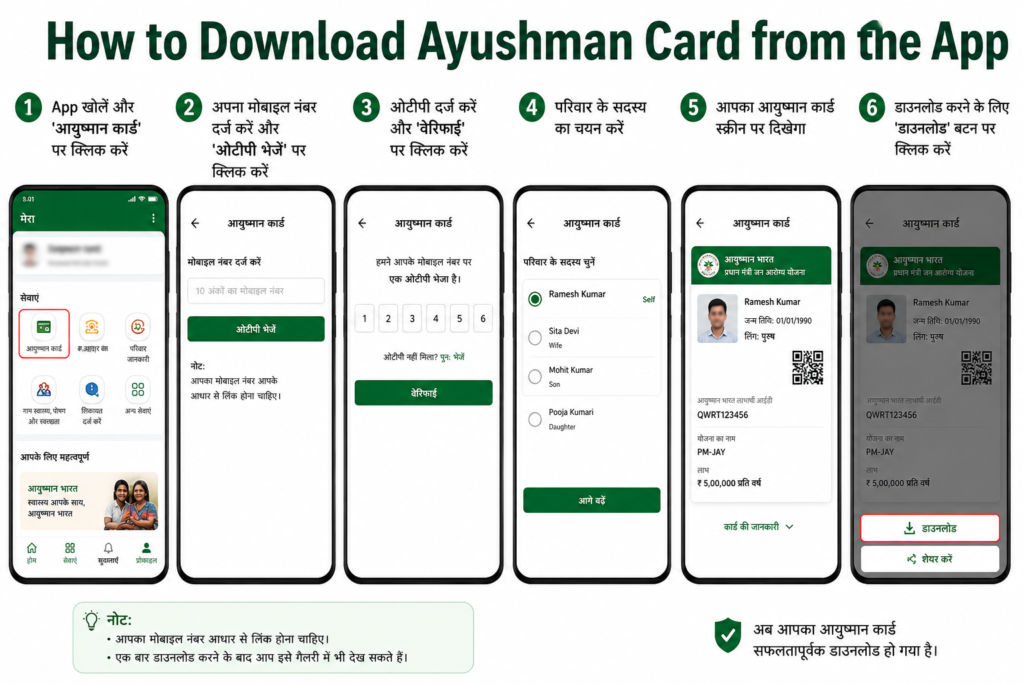
How to Download Ayushman Card from the App
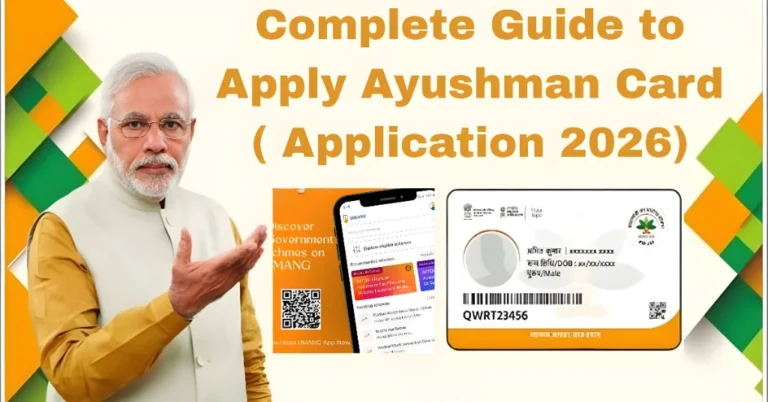
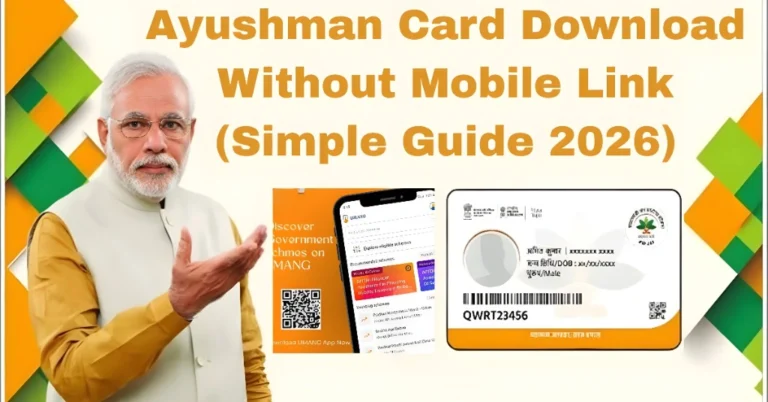
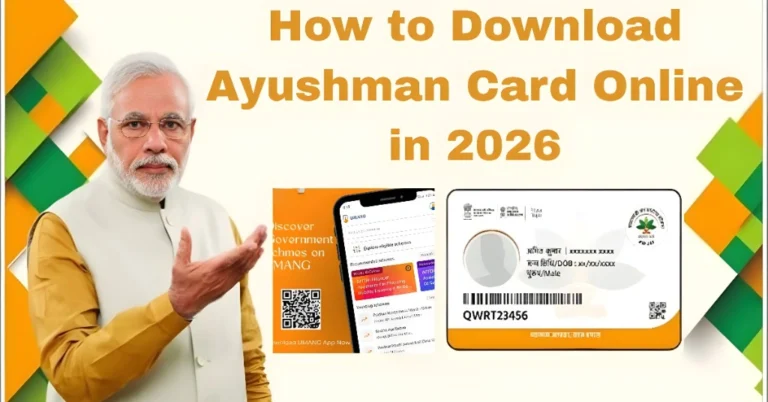
To download your card, log in to the Ayushman App and go to the card or beneficiary section. Search your details using Aadhaar, mobile number, or available family details. Complete eKYC if required, then download the digital card.
You can also use the official beneficiary portal for Ayushman Card services if the app is slow or not opening.
How to Check Eligibility in Ayushman App
Use the eligibility or beneficiary search option inside the app. Enter the required details correctly. If your family is listed under PM-JAY or a supported state health scheme, your beneficiary information will appear.
Installing the app does not automatically make someone eligible. Eligibility depends on official government data.
How to Find Empanelled Hospitals
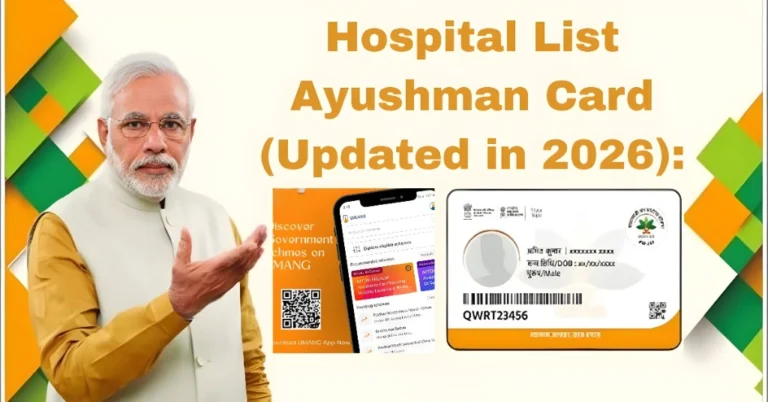
The Ayushman App helps users search hospitals that accept Ayushman Bharat benefits. You can usually filter by state, district, hospital name, or treatment type.
This is important because cashless treatment is available only at empanelled public and private hospitals under the scheme.
Tips to Use the Ayushman App Safely and Smoothly
Always download the app from the official Play Store or App Store. Keep your Aadhaar details updated, use the mobile number linked with your records, and avoid sharing OTP with anyone.
Before visiting a hospital, check whether it is empanelled under PM-JAY. Also keep a screenshot or PDF copy of your Ayushman Card saved on your phone for emergency use.
Tips to Use the Ayushman App Safely and Smoothly
If OTP is not coming, wait for a few minutes and check your network. If the issue continues, confirm that your mobile number is active and linked where required.
If the app is not loading, update it, clear cache, restart your phone, or try again later. For urgent work, use the official PM-JAY beneficiary portal.
If your name, age, or Aadhaar details do not match, update your Aadhaar information first and then try eKYC again.
Ayushman App vs ABHA App
The Ayushman App is mainly for PM-JAY services such as eligibility, Ayushman Card, and hospital search. ABHA is part of the Ayushman Bharat Digital Mission and helps users create a digital health account and manage health records.
| Ayushman App | ABHA App / ABHA Account |
| For PM-JAY beneficiaries | For digital health records |
| Helps download Ayushman Card | Helps create ABHA health ID |
| Used for eligibility and hospital search | Used for sharing health records with consent |
| Best for cashless treatment access | Best for digital health management |
Who Should Use the Ayushman App?
This app is useful for PM-JAY beneficiaries, low-income families, senior citizens, and people who want to check their Ayushman Bharat eligibility. It is also helpful for families who want quick access to their health card during hospital visits.
FAQs
Conclusion
The Ayushman App makes PM-JAY services easier by bringing eligibility check, Ayushman Card download, eKYC, and hospital search into one mobile platform. For safe use, download it only from official sources, keep your documents updated, and use the beneficiary portal as a backup when the app is slow.